01
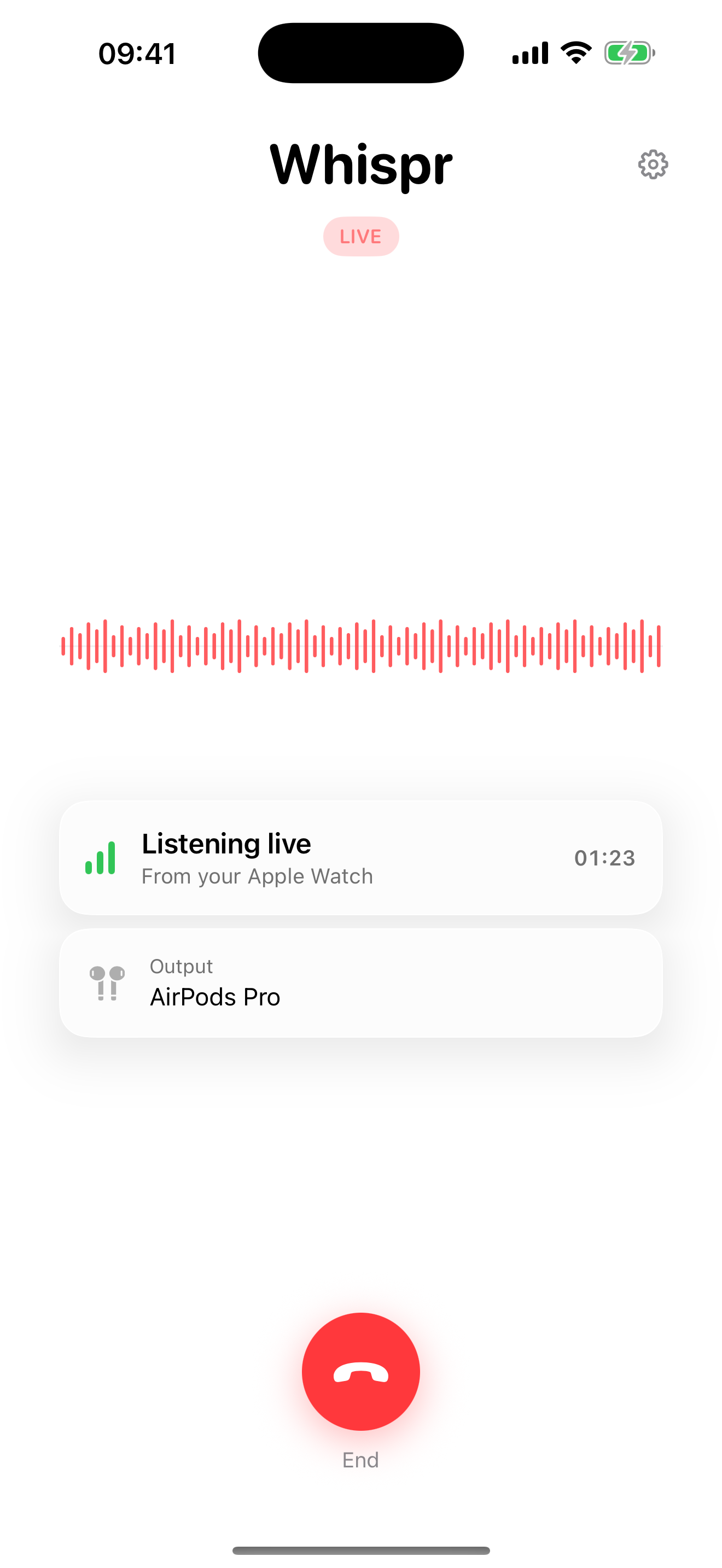
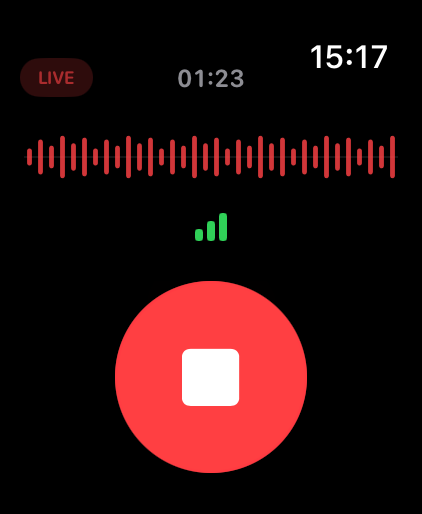
Call timer
Both devices show how long the live session has been running, using stable call-style digits.
 Whispr
Apple Watch + iPhone
Whispr plays your Apple Watch microphone live on your paired iPhone, with a call-style flow, clearer live status, and nothing recorded.
New in 1.1
The latest version tightens the visual language across iPhone, Watch, screenshots, and the app icon.
Both devices show how long the live session has been running, using stable call-style digits.
A Voice Memos-style waveform makes it obvious when sound is moving from your wrist.
If the iPhone media volume is low, Whispr tells you directly on iPhone and Watch.
Text-only status pills, clearer reconnecting states, and a refreshed icon keep the interface calm.
Simple by design
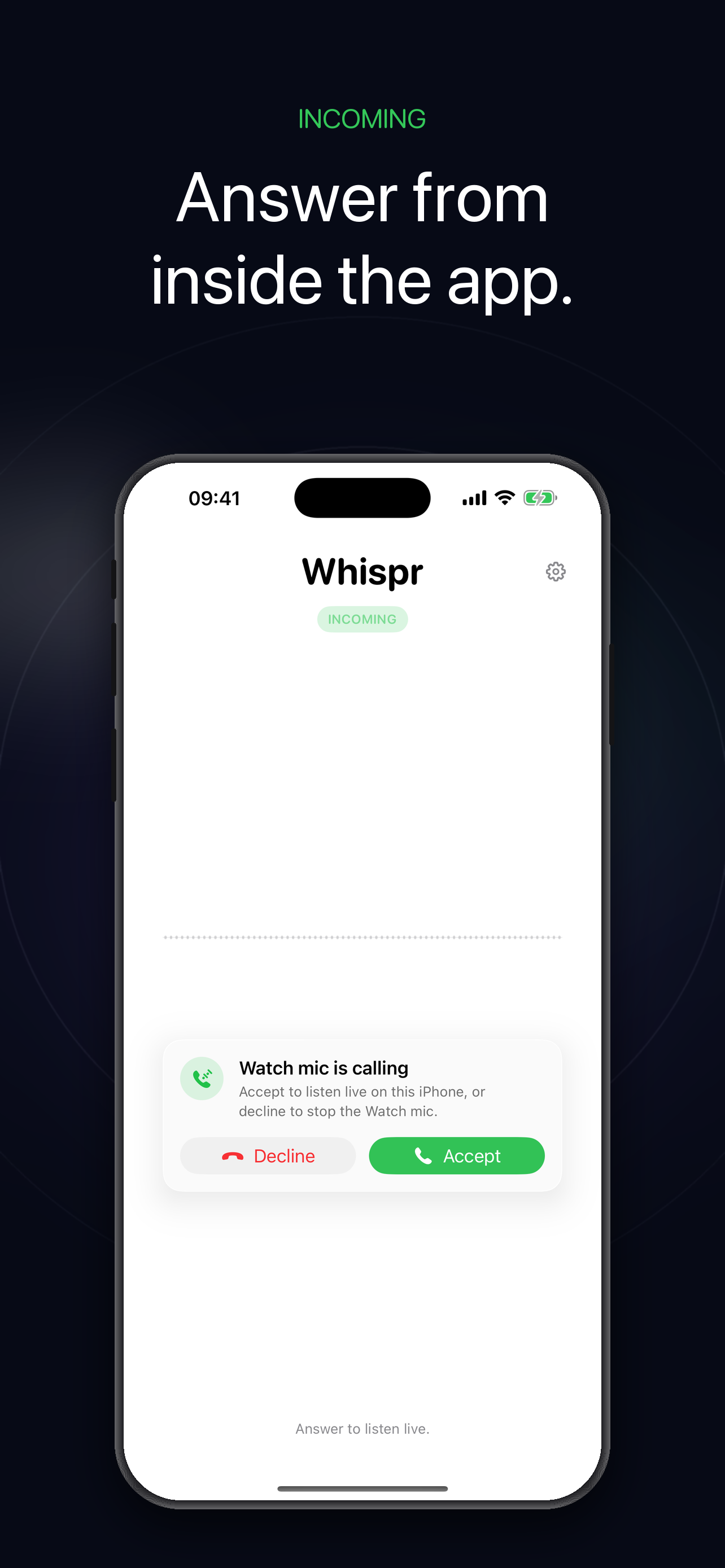
Whispr uses the standard iPhone call flow so a Watch-started session can wake a locked iPhone without pretending to be a recorder or a background listening tool.
Privacy
Whispr is built around a narrow promise: your Watch is the microphone, your iPhone is the speaker, and the audio is discarded as it plays.
There is no save, export, upload, or replay feature.
No tracking SDKs, no ad SDKs, and no third-party analytics.
Audio stays between the Apple Watch and its paired iPhone.
Read the full privacy notice.
Support
Email info@lovetere.it. Include your iPhone model, Watch model, iOS version, and watchOS version when reporting a problem.